
Fallbakit Platform
Providers
Configure encrypted cloud provider credentials for fallback when the local runtime cannot serve.
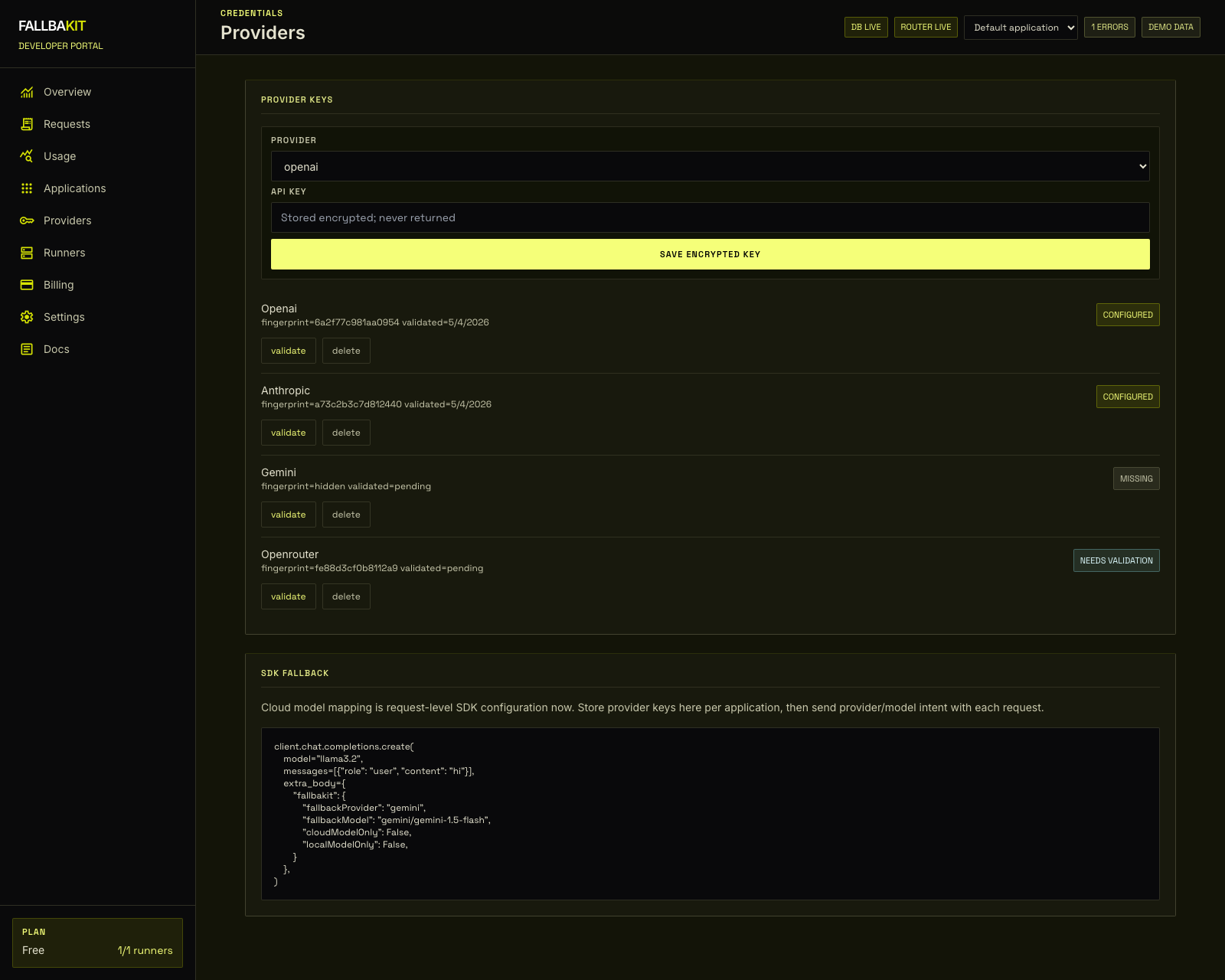
Add a provider
Open Dashboard -> Applications, choose the application, then scroll to Fallback Credentials. Select a provider and save its API key.
Supported providers are:
- OpenAI
- Anthropic
- Gemini
- OpenRouter
Validate credentials
After saving a key, validate it. Validation confirms the credential can be decrypted and is ready for fallback. Fallbakit stores encrypted secret material and never returns the full provider key to the dashboard.
Application scope
Provider credentials are scoped to the selected application. This lets one application use a different fallback provider from another.
Request controls
SDK calls can set fallbackProvider, fallbackModel, cloudModelOnly, localModelOnly, fallback, or forceLocal for each request.