
Fallbakit Platform
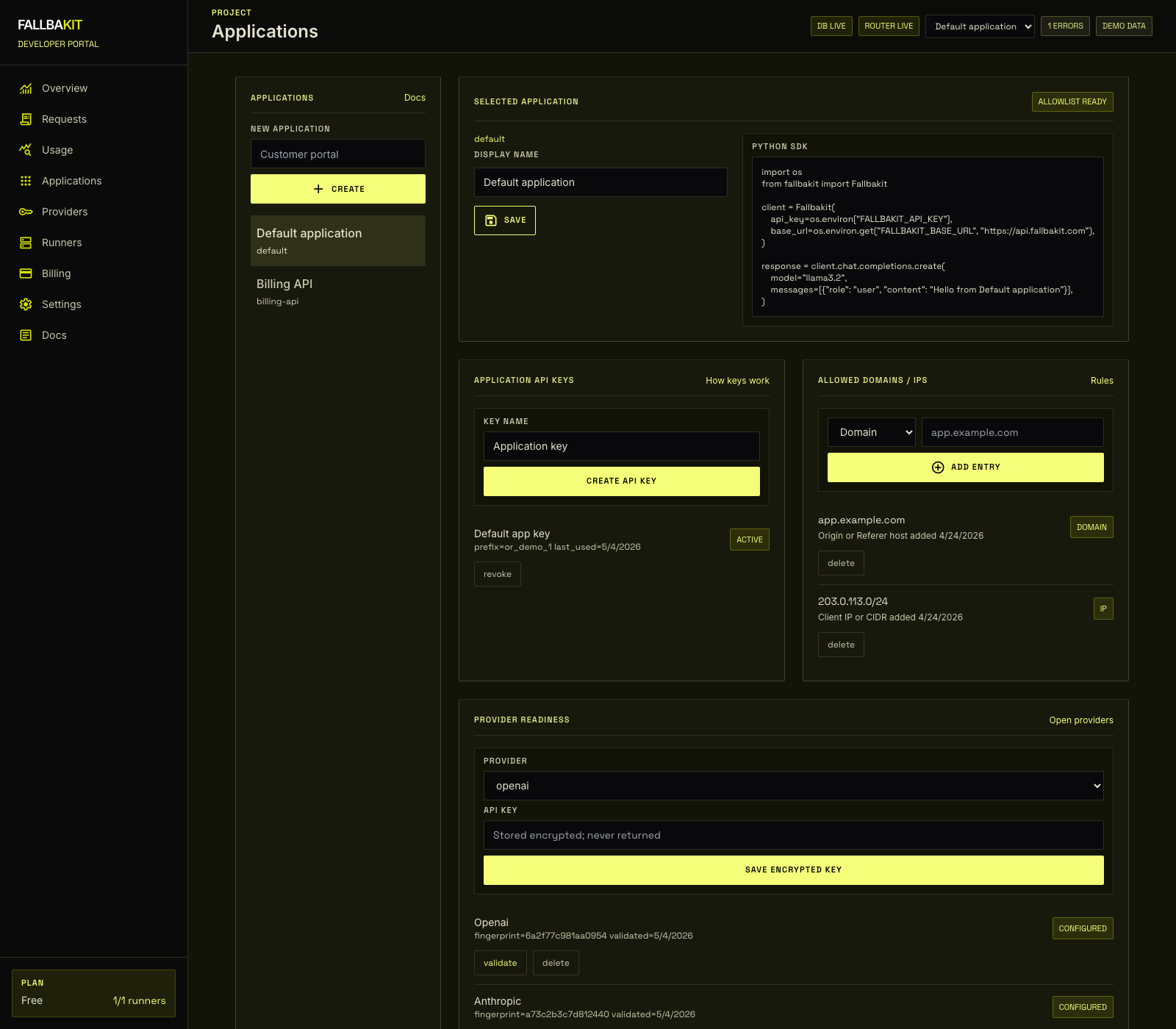
Allowed Domains / IPs
Optionally restrict each application key to known browser origins or server egress IP ranges.
When to use restrictions
Applications can run in either of two modes:
Allow for everywhere: domain and IP restriction is disabled.Restrict by domains / IPs: requests must match at least one saved allowlist entry.
Use restriction mode when you want leaked application keys to be blocked outside known browser origins or server networks.
Domain entries
Domain entries match the browser Origin header first. If no origin is present, Fallbakit checks the host from Referer.
Examples:
app.example.com
*.example.com
localhost
Use domains for browser clients. Do not include https://, paths, or ports.
IP entries
IP entries match the real client IP after trusted proxy headers are applied by the production API deployment.
Examples:
203.0.113.10
203.0.113.0/24
2001:db8::/48
Use IP or CIDR entries for server-side workloads.
Rejection behavior
If an application is in restriction mode and a request does not match any allowlist entry, the chat API returns:
{
  "error": {
    "code": "application_not_allowed"
  }
}