
Fallbakit Platform
Application API Keys
Create, store, rotate, and revoke keys used by your app to call the chat API.
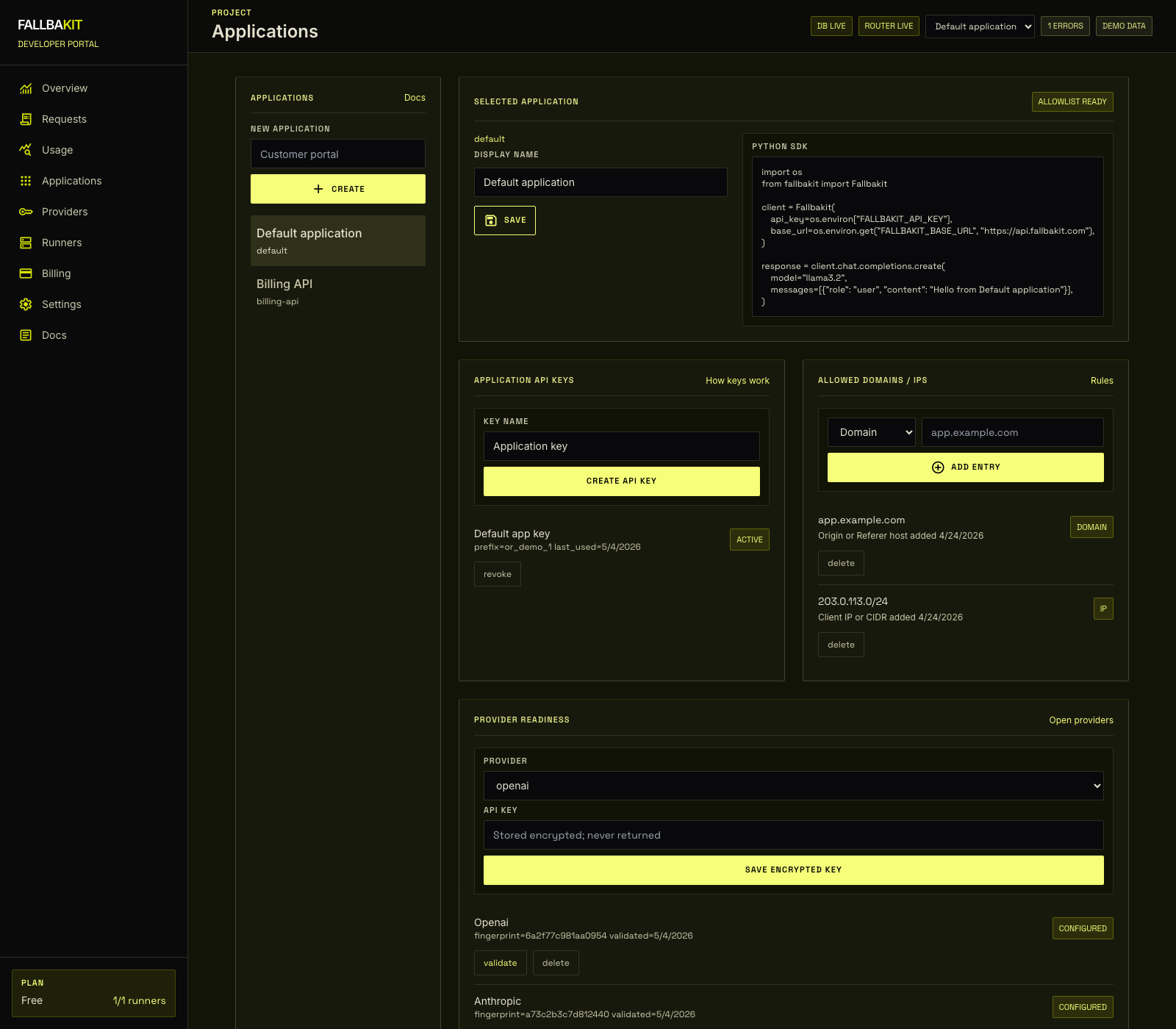
Create a key
Open Dashboard -> Applications, select an application, and create an API key. The full key is shown once. Store it in your secret manager or environment variables immediately.
Use a key
Send the key as a bearer token:
Authorization: Bearer or_xxxxxxxxxxxxxxxxxxxxxSDK constructors also accept the key directly:
const client = new Fallbakit({ apiKey });Rotate a key
- Create a new key for the same application.
- Deploy the new key to your app.
- Confirm traffic appears in the dashboard.
- Revoke the old key.
Revoked keys are rejected immediately by the API.