Getting Started
Create an application, secure it with an allowlist, connect the tunnel, and send your first chat request.
1. Create an application
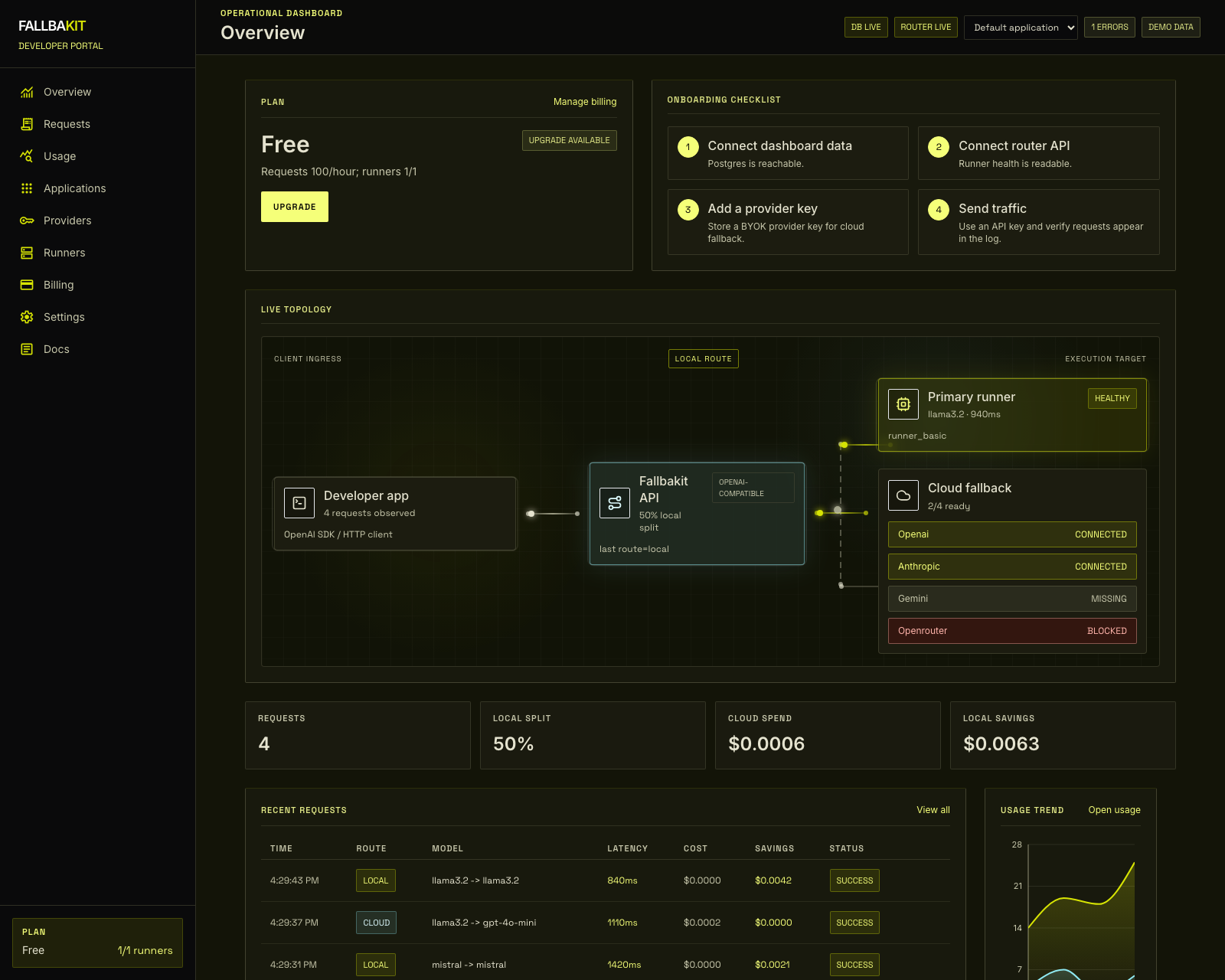
Open Dashboard -> Applications and create one application for each product surface that will call Fallbakit. A web app, mobile backend, and internal worker should normally be separate applications so their keys and allowlists can be managed independently.
2. Choose traffic restriction mode
Each application can either allow traffic from anywhere or enforce domain/IP restrictions.
- Browser traffic: add the domain that appears in the
Originheader, such asapp.example.com. - Server traffic: add the server's egress IP, such as
203.0.113.10, or a CIDR range such as203.0.113.0/24. - If you do not want restriction, leave Allow for everywhere enabled for that application.
3. Create an application API key
Create a key from the selected application. The full key is shown once. Store it in your own environment variables or secret manager, then pass it to the SDK constructor.
4. Connect the tunnel agent
Install the tunnel agent on the customer side where it can reach Ollama, oMLX, or vLLM. The agent connects outward to:
wss://api.fallbakit.com/tunnelNo inbound firewall rule is needed for the local runtime when the agent can establish the outbound tunnel.
5. Send a request
Use an SDK or any OpenAI-compatible client against:
https://api.fallbakit.com/v1/chat/completionsYour first successful request should appear in Dashboard -> Requests and Dashboard -> Usage.